
Withdrawal Methods and Limits at WishKing in Canada
WishKing supports 9 withdrawal methods for Canadian players, including Interac, Visa/Mastercard, Bank Transfer, Crypto (USDT ERC20), Neteller, Paysafecard, Skrill, Google Pay, and Apple Pay. The minimum withdrawal amount is C$10, and the maximum withdrawal amount reaches C$10,000 per transaction. No fees are charged on any withdrawal request. New players can also claim a 100% first deposit bonus up to C$1,500 plus 100 free spins before withdrawing winnings.
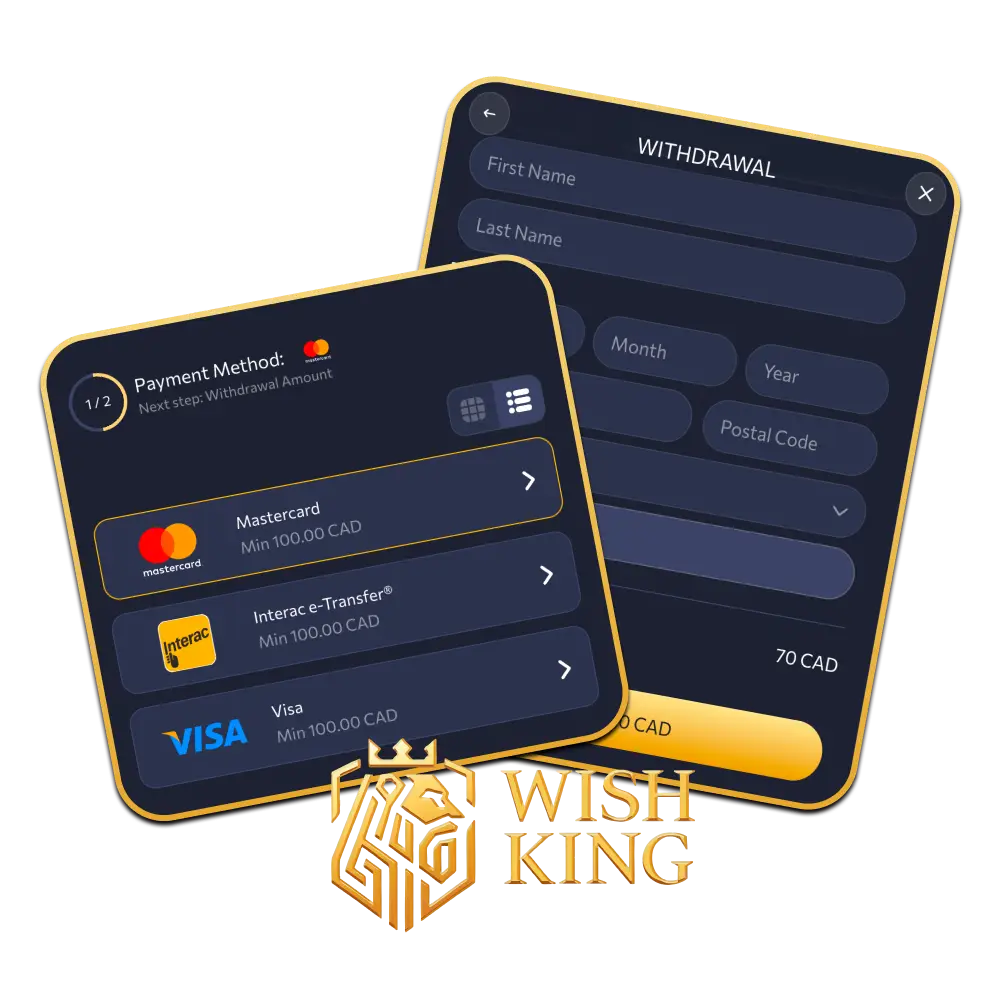
Available WishKing Withdrawal Methods
Canadian players can withdraw funds through 9 payment options, with no platform fees applied to any transaction. Processing times vary by method, with limits ranging from C$10 minimum to C$10,000 maximum per withdrawal request.
| Payment Method | Min Withdrawal | Max Withdrawal | Withdrawal Time | Fees |
|---|---|---|---|---|
| Interac | C$10 | C$10,000 | Up to 24 hours | None |
| Visa/Mastercard | C$10 | C$10,000 | 1–5 business days | None |
| Bank Transfer | C$20 | C$10,000 | 3–7 business days | None |
| Crypto (USDT ERC20) | C$20 | C$10,000 | Up to 1 hour | None |
| Neteller | C$10 | C$10,000 | Up to 24 hours | None |
| Skrill | C$10 | C$10,000 | Up to 24 hours | None |
| Paysafecard | C$10 | C$1,000 | Up to 24 hours | None |
| Google Pay | C$10 | C$10,000 | Up to 24 hours | None |
| Apple Pay | C$10 | C$10,000 | Up to 24 hours | None |
How to Withdraw Money from WishKing
To withdraw funds from your WishKing account, you need a verified account and a confirmed payment method. The process takes under 5 minutes to complete.
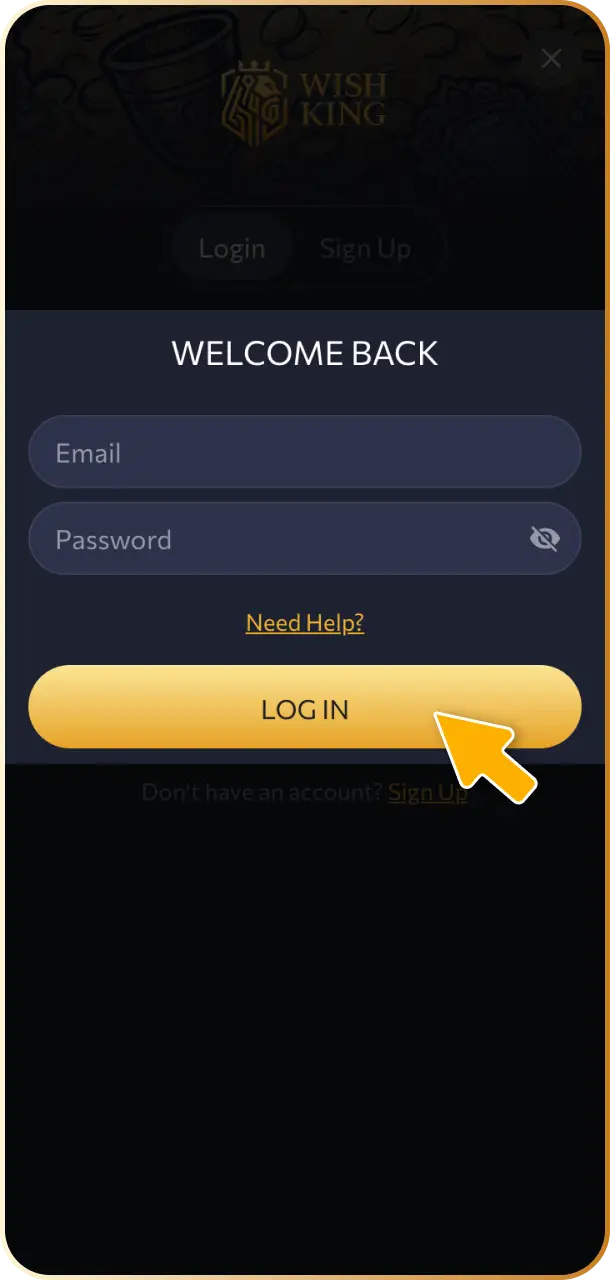
Log In to Your Account
Visit WishKing and log in using your registered email and password. Make sure your account is fully verified before submitting a withdrawal request.
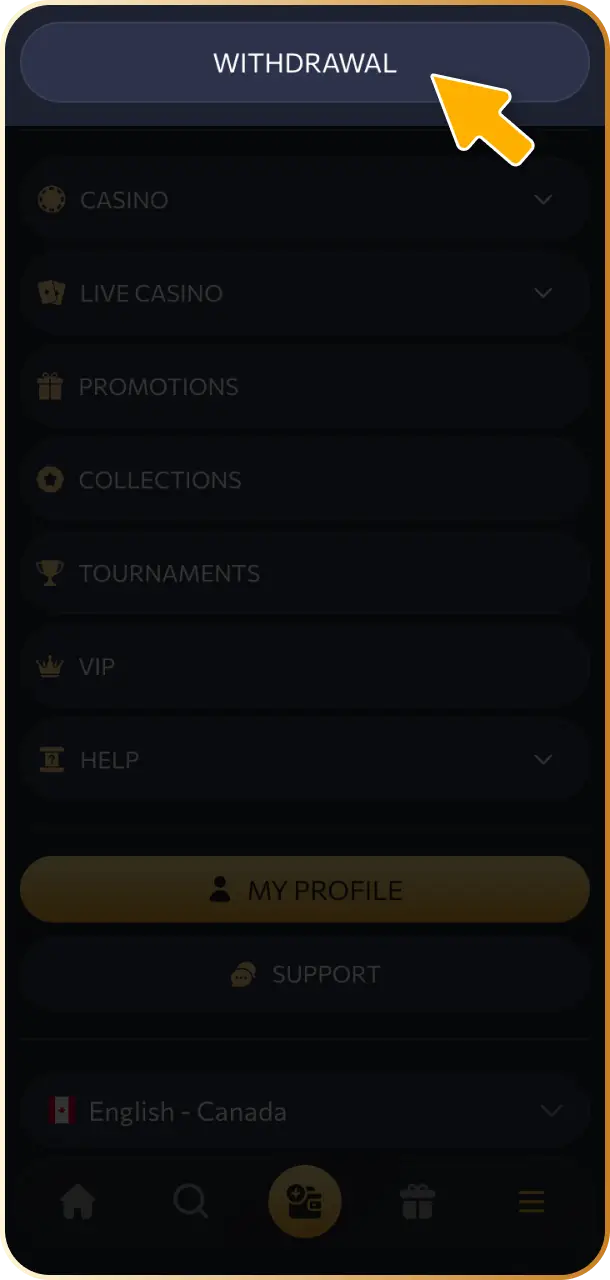
Go to the Cashier Section
Navigate to the Cashier or Payments section from your account dashboard. Select “Withdraw” to begin the process.
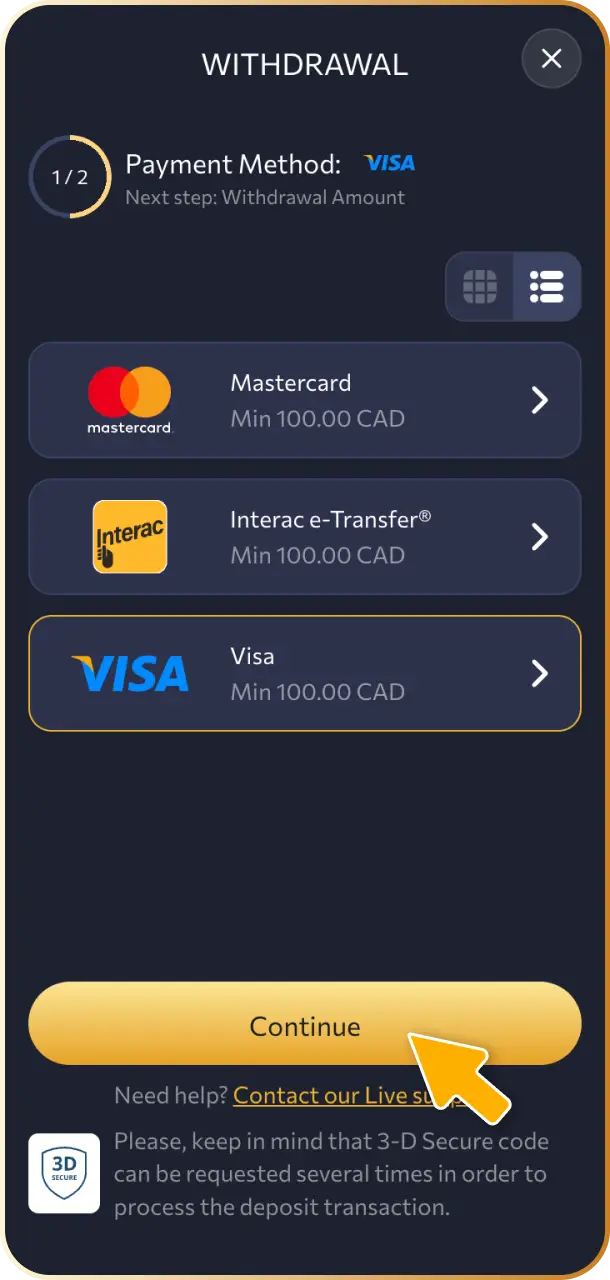
Choose Your Payment Method
Select one of the 9 available withdrawal methods, such as Interac, Skrill, or Crypto (USDT ERC20). Ensure the method matches the one used for your deposit where applicable.
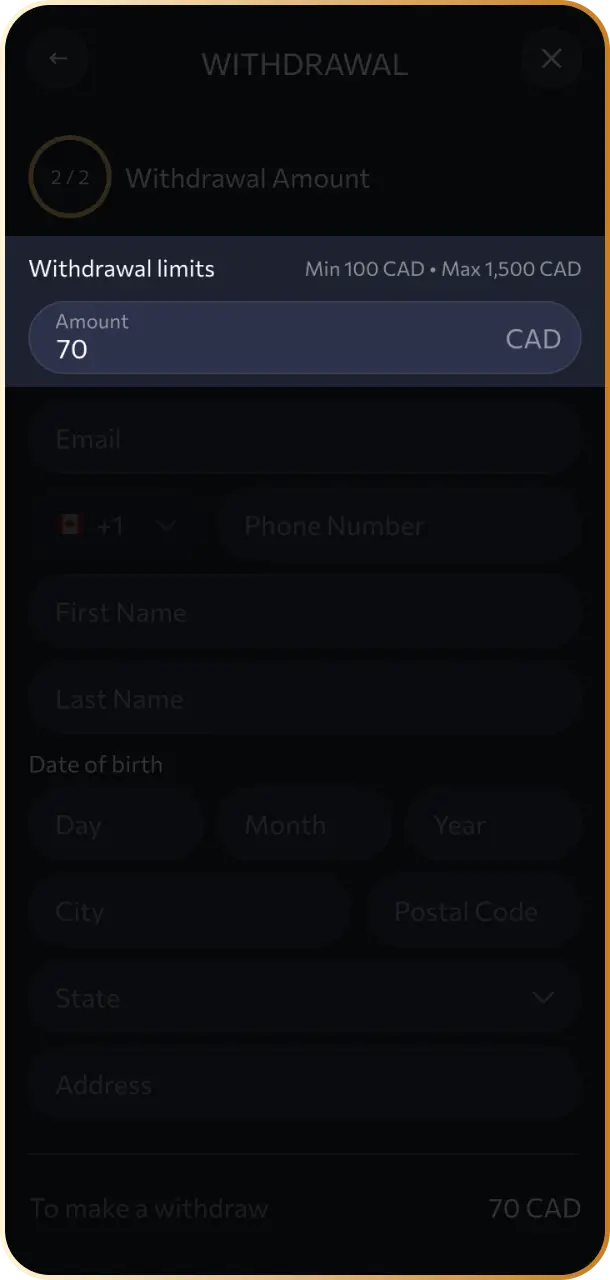
Enter the Withdrawal Amount
Type in the amount you wish to withdraw. The minimum is C$10 and the maximum is C$10,000 per transaction.
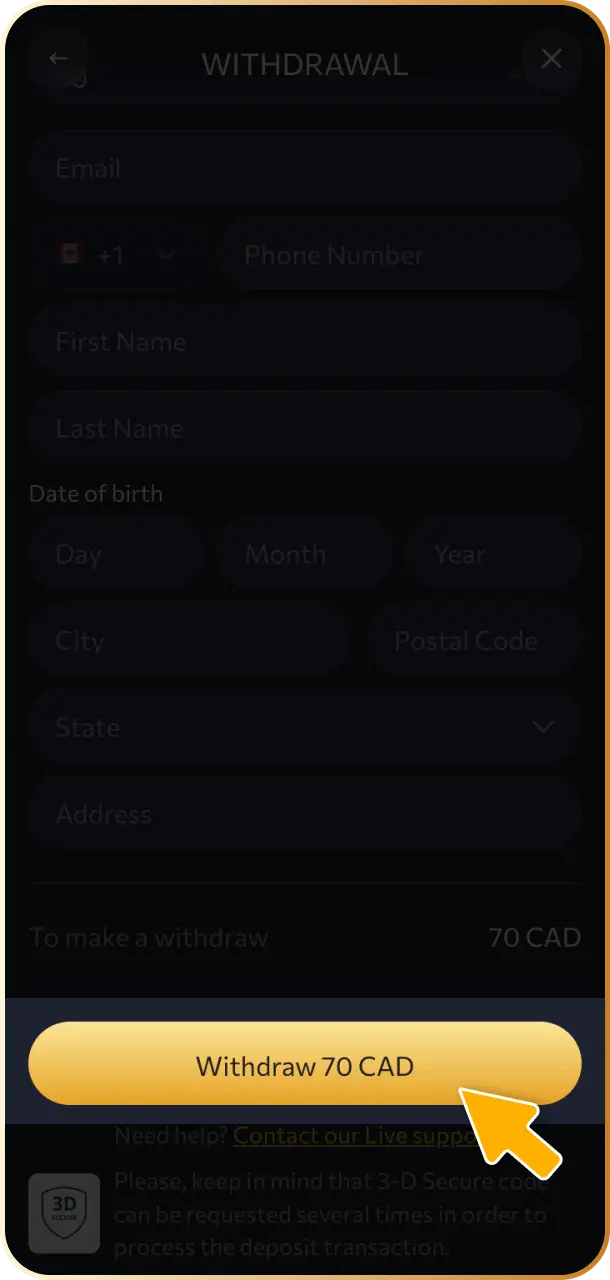
Confirm the Request
Review all details and confirm your withdrawal request. Processing will begin immediately, with timelines depending on the selected payment method.
WishKing Withdrawal Rules and Conditions
All withdrawal requests at WishKing are subject to standard terms designed to protect players and ensure secure transactions. Review the conditions below before submitting your first withdrawal request.
- Identity Verification: Your account must pass KYC verification before any withdrawal is approved. This includes submitting a government-issued ID and proof of address;
- Bonus Wagering Requirements: Any active bonus funds, including the 100% welcome bonus up to C$1,500, must meet the stated wagering requirements before the associated balance becomes withdrawable;
- Deposit Method Matching: Withdrawal requests are generally processed back to the original deposit method. If that method does not support withdrawals, an alternative must be approved by the support team;
- Minimum and Maximum Limits: Each transaction must fall between C$10 and C$10,000. Amounts outside this range will not be processed;
- Account Balance Currency: All Canadian player balances are held in CAD. Crypto withdrawals via USDT ERC20 are converted at the prevailing exchange rate at the time of the request.
Possible Problems with WishKing Withdrawals
- Pending Verification: If your account has not completed KYC, all withdrawal requests will be placed on hold. Submit your government-issued ID and proof of address through the account settings to resolve this;
- Unmet Wagering Requirements: A withdrawal request will be declined if an active bonus has not reached its required playthrough. Check your bonus status in the Promotions section and complete the remaining wagering before resubmitting;
- Incorrect Payment Details: A mismatched account number or wallet address will cause the transaction to fail. Double-check all payment information before confirming the request;
- Withdrawal Below Minimum Limit: Requests below C$10 are automatically rejected by the system. Accumulate sufficient balance before initiating a new request;
- Exceeded Daily or Transaction Limit: Amounts above C$10,000 per transaction will not be processed. Split larger withdrawals into separate requests to stay within the permitted limit.
Customer Support
If you encounter any issue with a withdrawal, the WishKing support team is available to assist Canadian players at any time. The following contact options are available:
- Live Chat: Available 24/7 directly from the WishKing website. Access it via the chat icon on any page for the fastest response;
- Email Support: Send your query to [email protected]. Include your account ID and a description of the issue for a faster resolution;
- FAQ and Help Centre: Browse the Help Centre section on the platform for immediate answers to common withdrawal questions, including verification and payment method guidance.
FAQ
How long does a WishKing withdrawal take in Canada?
Withdrawal time depends on the selected payment method. Interac, Neteller, Skrill, Google Pay, and Apple Pay take up to 24 hours. Visa/Mastercard takes 1 to 5 business days. Bank Transfer takes 3 to 7 business days. Crypto via USDT ERC20 is the fastest option, processing in under 1 hour.
Is there a fee for withdrawing funds at WishKing?
No platform fees are applied to any withdrawal. Your payment provider may apply its own charges, which are outside WishKing’s control.
What is the minimum withdrawal amount for Canadian players?
The minimum withdrawal amount is C$10 for most payment methods. Bank Transfer and Crypto (USDT ERC20) have a minimum of C$20 per transaction.
Can I withdraw using a different method than my deposit?
In most cases, the withdrawal must be returned to the original deposit method. If that method does not support payouts, contact the support team to arrange an approved alternative.
How do I check the status of my withdrawal request?
Log in to your account and navigate to the Transaction History section under the Cashier. Each withdrawal request will display its current status, including pending, processing, or completed.
Updated: